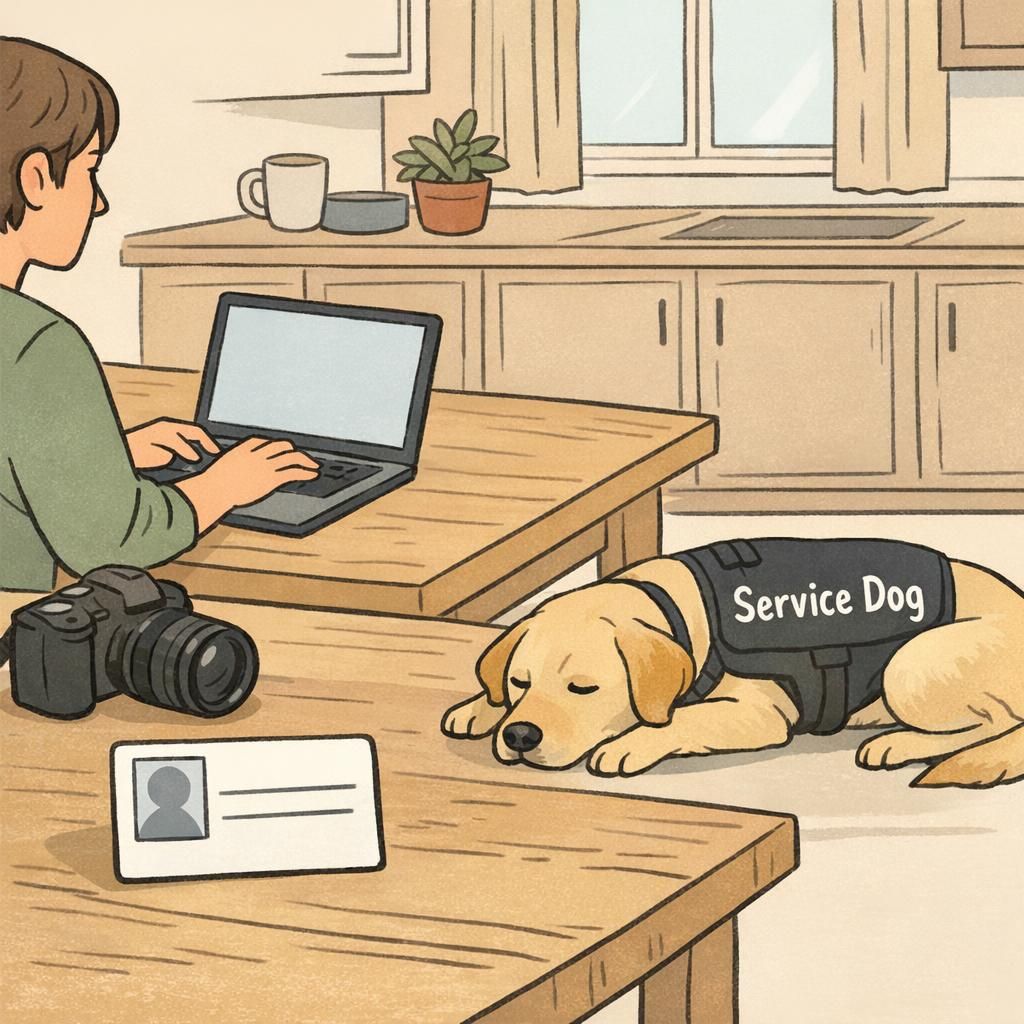
A personalized service dog ID card is a simple tool that helps you communicate quickly in everyday situations. When you’re moving through public spaces, checking into lodging, speaking with a landlord, or planning travel details, it can be helpful to have a single, consistent way to present key information about you and your working dog.
It’s also important to keep the legal side clear and calm: under the ADA, service dog ID cards are not legally required. Many handlers still choose to carry one because it’s a convenient way to display basic details (like names and a photo) at a glance for smoother interactions and fewer misunderstandings
Think of an ID card as a practical “quick introduction” for your team—useful for clarity and confidence, especially in busy, real-world moments.
Speeds up routine conversations when someone has questions
Helps keep your service dog’s information consistent across accessories and documents
Supports calm, professional communication without turning an interaction into a debate
Gives you a ready reference if you’re tired, rushed, or managing symptoms
The best service dog ID cards are easy to understand in one glance. Personalization isn’t about adding every detail—it’s about putting the right details in the right places so you can use the card quickly and comfortably.
Start with the core fields that make an ID card instantly useful: a clear photo of your dog, your dog’s name, and the handler’s name. Many handlers also like adding a unique registration number as a simple organizational tool—especially if you use a digital profile, multiple accessories (tags, badges, lanyards), or want consistent identification across your materials.
If you want an all-in-one starting point, consider a starter registration package with a printed ID card and unique registration number so your essentials are aligned from day one.
Dog photo (clear, current, easy to recognize)
Dog name (as you use it day to day)
Handler name (first name and last name, or preferred format)
Unique registration number (optional, but helpful for consistency and organization)
Many people prefer not to. A phone number or email is often enough for practical contact while keeping personal details more private.
Usually, no. An ID card works best when it stays simple and focused on identification rather than sensitive personal details.
A strong photo is the fastest way to make your card feel clear, polished, and easy to understand. Even if you rarely show the card, having a clean image helps it function as a true “at-a-glance” identifier.
Aim for a front-facing photo with good lighting and a simple background. A busy environment can look cute, but it often prints poorly and makes your dog harder to recognize quickly. High resolution matters, too—if the photo looks slightly fuzzy on your phone, it may print even softer on the card.
If you have a photo of your dog wearing a vest, that can look more formal and reduce confusion in crowded spaces where people may be trying to understand your dog’s working role at a glance.
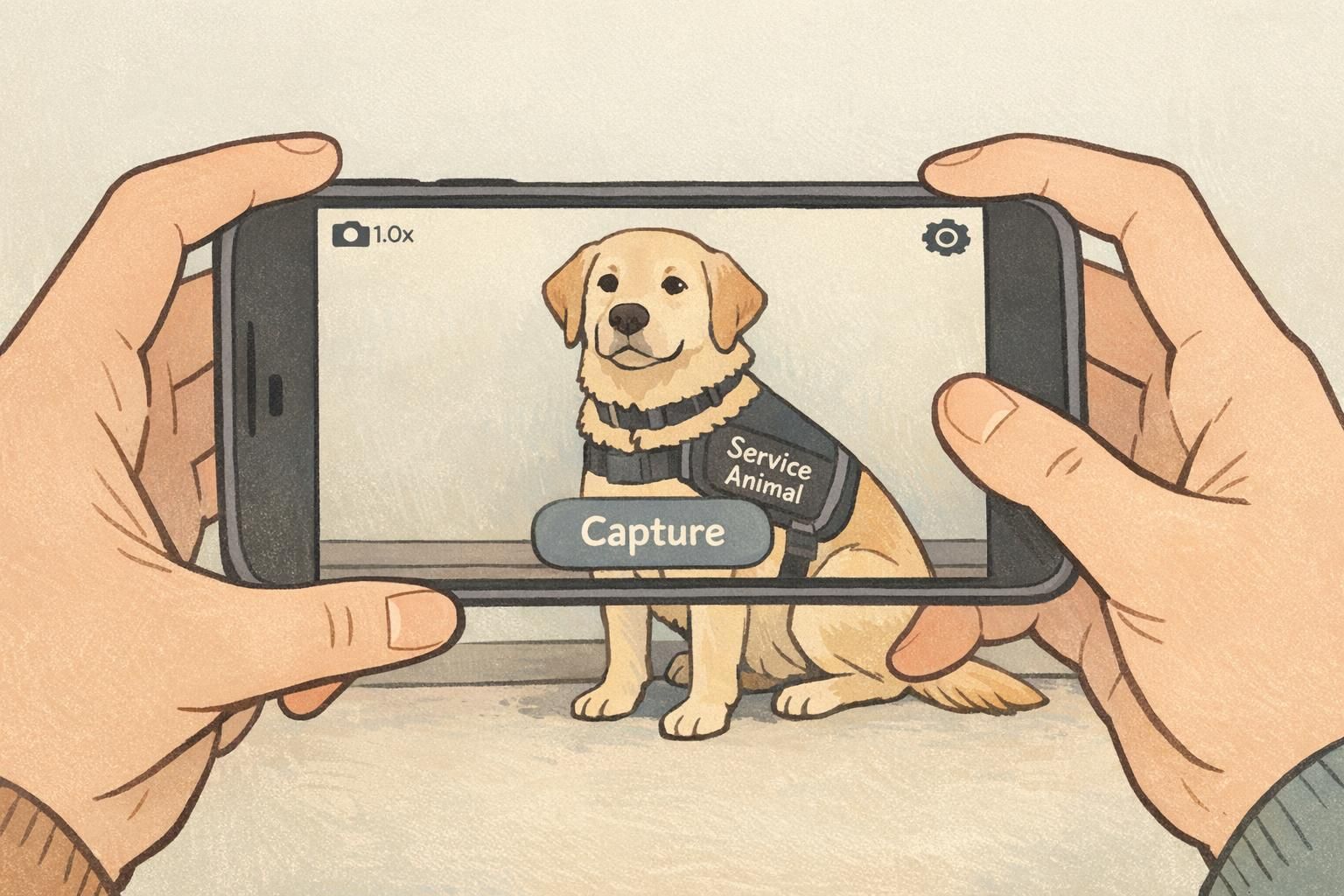
Use natural light or a bright indoor light source (avoid harsh shadows)
Choose a plain or uncluttered background
Frame your dog from the chest up for easy recognition
Make sure the eyes and face are in focus
Avoid heavy filters; keep colors true-to-life
“ "Once I switched to a clear, front-facing photo, I noticed fewer questions—people could immediately tell the card matched my dog." – Service dog handler”
After you’ve added the essentials, you can decide what optional fields will genuinely help you in real life. The goal is clarity, not clutter—so choose details that would be useful if someone only had a few seconds to look.
Some handlers like listing breed (or “mixed breed”) because it can reduce confusion when the dog doesn’t match a common expectation of what a service dog “should” look like. Others prefer to leave breed off for privacy or simplicity—either approach can be appropriate.
A service type header can also be helpful as long as it stays general and respectful of your privacy. Think in broad categories rather than personal medical details. Finally, contact information can be valuable if your dog becomes separated from you or if someone needs to reach you quickly during an unexpected situation.
If you want a layout that supports these options cleanly, a customizable printed service dog ID with a matching digital profile can help you keep the card readable while still adding the details you find most useful.
Breed (optional): can reduce confusion, but not required
Service type header (optional): keep it general and non-sensitive
Handler phone/email (recommended for practical contact)
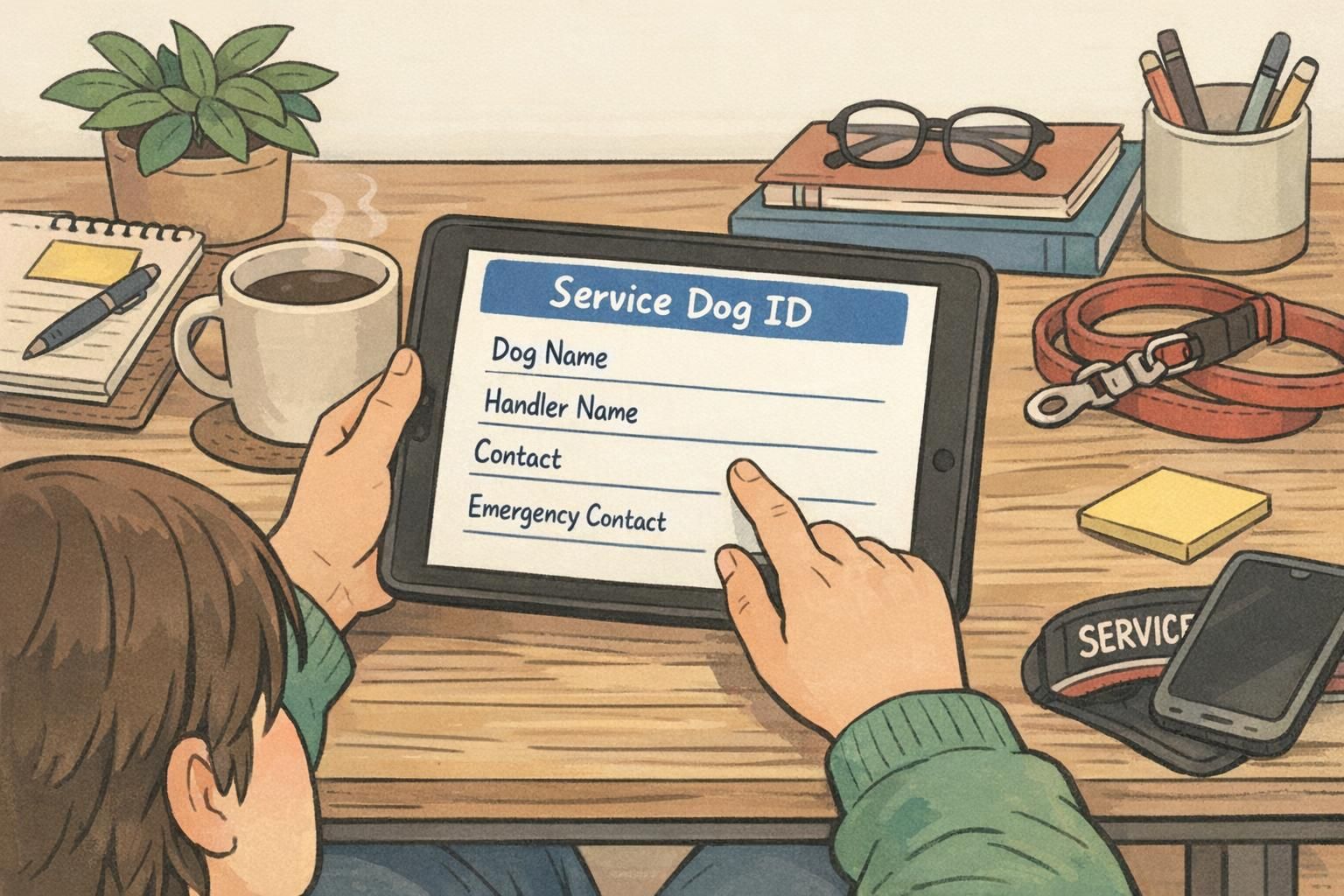
Emergency contact (optional but helpful): name + phone number
Tip: If privacy is a concern, use an email address or a dedicated phone number instead of including highly personal information on the card.
A short ADA reference statement on your ID card can help prevent misunderstandings—especially in places where staff are trying to do the right thing but aren’t fully familiar with the rules. The key is to keep it simple, calm, and readable. You want the card to lower the temperature of an interaction, not raise it.
Consider one brief line that signals your dog is a service animal and that you’re aware of access rules. If you’d like to share more detailed information, it’s often better to keep that on a separate handout card or in a digital profile so the ID itself stays uncluttered.
For moments when you’d prefer a quick, professional explanation without having to repeat yourself, ADA law handout cards for quick, professional explanations can be a helpful companion to your ID.
Keep the statement short (one line is often enough)
Use plain language (avoid long legal paragraphs)
Prioritize readability over “official-sounding” wording
Use the ID card for identification and a separate tool for deeper explanations
“ "Having a simple reference line on my card—and a separate handout for details—helped me keep conversations polite and brief." – Handler”
Design matters because your card needs to work in real conditions: low light, quick glances, and busy environments. A clean layout makes it easier for someone to find what they need without staring, squinting, or asking repeated questions.
Choose bold, sans-serif fonts, high-contrast colors, and spacing that lets each field breathe. Make sure the dog’s name and the handler’s name are large enough to read easily. If you’re including a registration number, give it its own clear label so it doesn’t get lost in the design.
For daily carry, a durable PVC-style card is a strong choice because it resists bending, scuffing, and moisture better than thin paper or flimsy printouts. Quality printing (and, when needed, lamination) helps keep text crisp so it stays readable over time.
Use a clean, consistent layout (photo on one side, key fields grouped)
Pick high contrast (dark text on light background is often easiest)
Avoid tiny font sizes—design for real-world readability
Choose durable materials (PVC-style cards stand up to daily use)
Keep extra details off the front if they reduce readability
If you want your card to stay minimal while still having access to more information, a QR code or barcode can be a practical add-on. Instead of squeezing everything onto one small card, you can link to a digital profile that holds expanded details in one organized place.
Digital access can be especially useful on travel days, during housing conversations, or anytime you want to quickly verify consistent information across your materials. It also helps when you’d rather show details on your phone than hand over a card for someone else to handle.
If you like the idea of quick access without clutter, instant-access digital service dog ID can be a clean, modern solution.
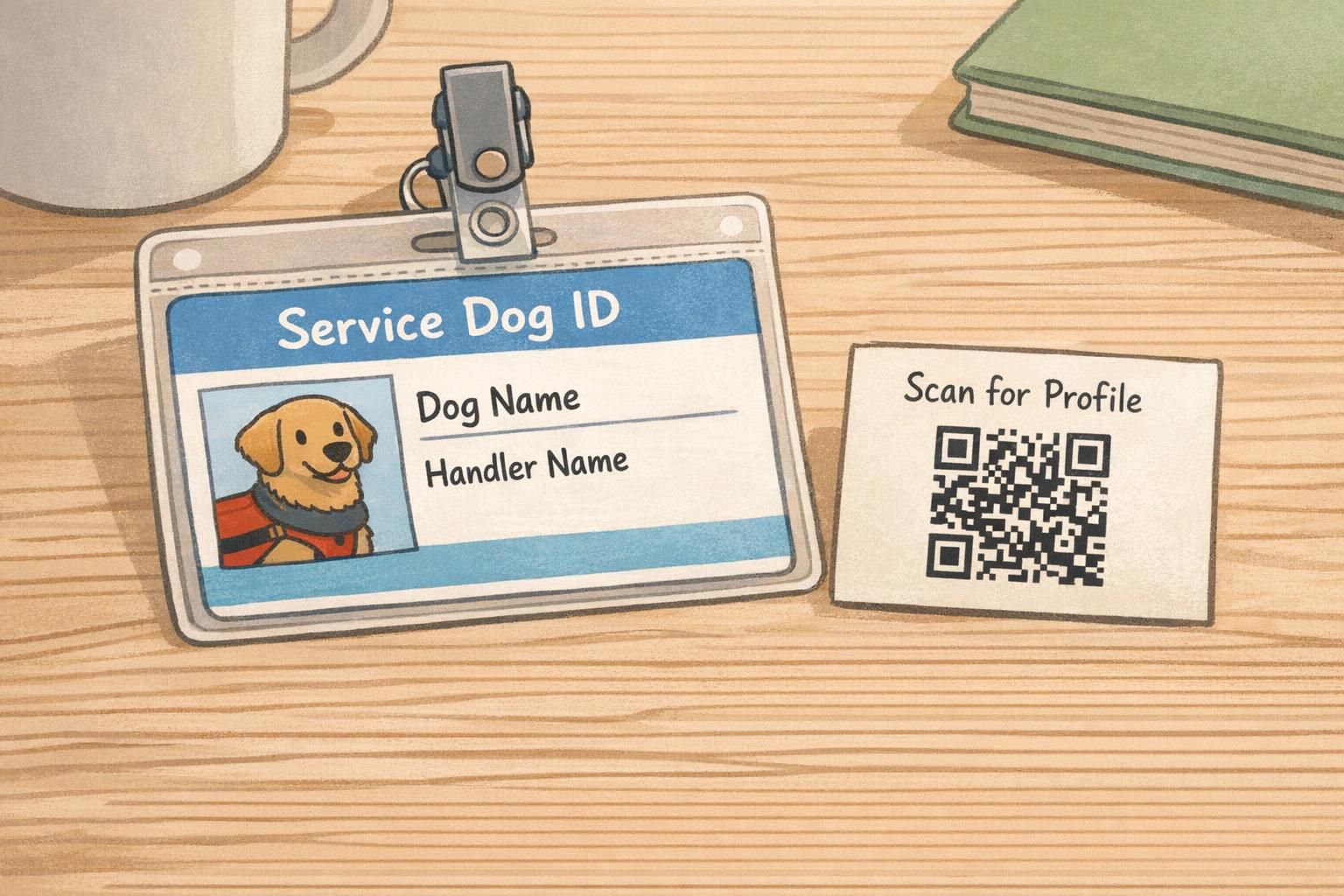
QR code: quick scan to a digital profile for expanded details
Keeps the printed card clean and readable
Useful when you need consistency across travel, housing, and everyday errands
Consider what you share publicly—keep sensitive details private
Many handlers keep it practical: a clear photo, names, a registration number (if used), contact details, and any additional notes they’re comfortable sharing.
No. It’s purely optional—helpful for some teams, unnecessary for others. The best setup is the one that makes your day-to-day life easier.
Personalizing your card is easiest when you treat it like a quick project: pick a clean layout, use a strong photo, enter your details carefully, and preview before you submit. Taking a few extra minutes up front helps you avoid a card that looks rushed or is harder to use when it matters.
Step 1: Choose a layout that prioritizes photo, dog name, and handler name
Step 2: Upload a high-quality, well-lit photo (avoid blurry images)
Step 3: Enter your details exactly as you want them displayed (check spelling and capitalization)
Step 4: Add optional fields only if they improve clarity (contact, emergency contact, registration number)
Step 5: Preview the card carefully before submitting your order
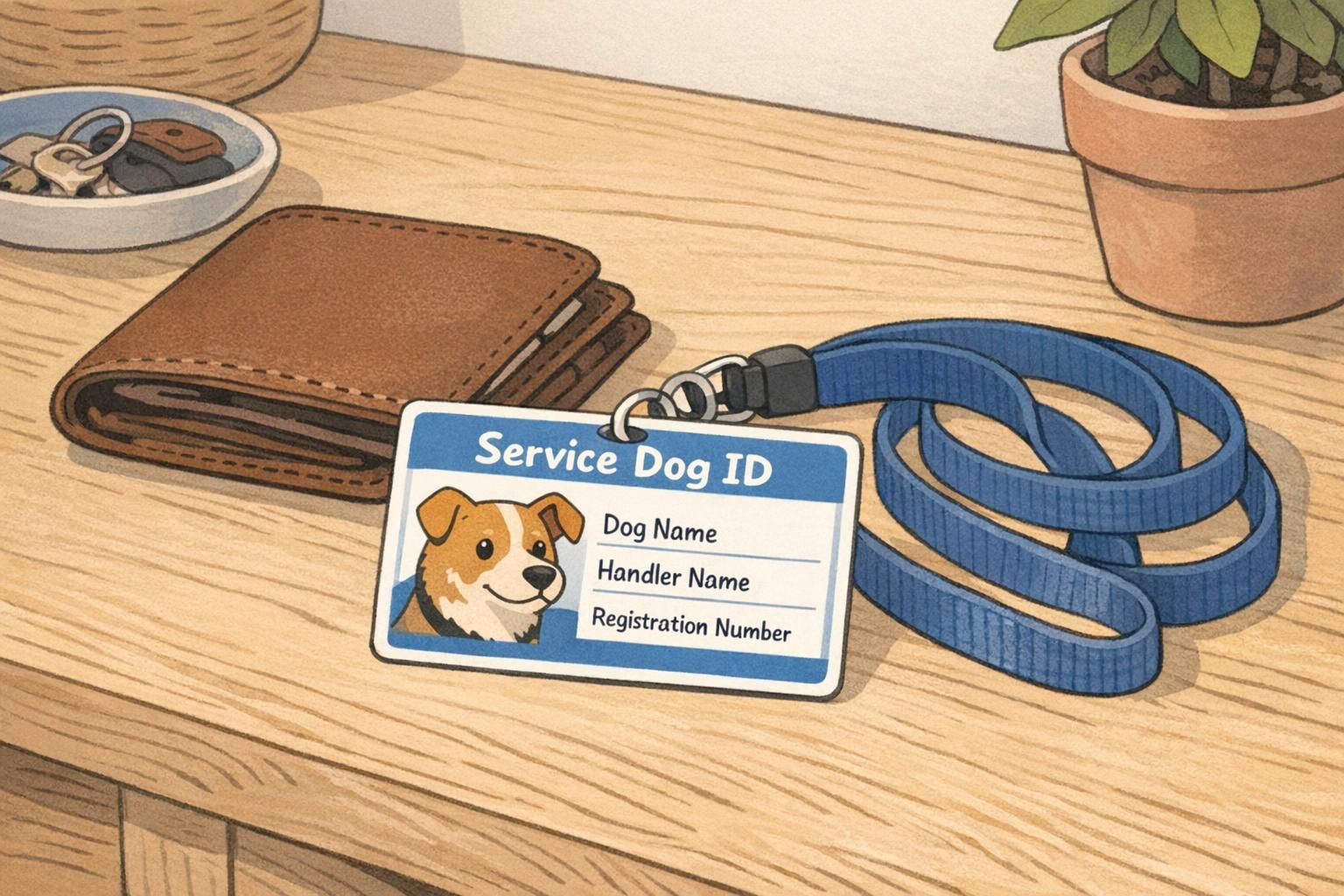
Fast pre-order checklist: verify photo clarity, confirm names, double-check phone/email, and make sure the layout isn’t crowded.
Low-resolution photos, typos in names, and adding too many optional fields so nothing stands out. Simple and readable usually wins.
Yes, if your dog’s appearance changes significantly, your contact info changes, or you want a cleaner design. Keeping it current helps it stay useful.
A personalized ID card often helps most in the small, everyday moments where you’d rather communicate quickly and move on. It’s not about “winning” an interaction—it’s about reducing friction and letting you focus on your day and your dog’s work.
Travel is a big one. From hotel check-ins to navigating busy terminals, having consistent information ready can make the process feel more predictable. If you’re planning a trip, you may also want to review traveling with a service dog so you can prepare calmly and confidently.
For handlers who want an organized set of materials specifically for travel situations, a travel-ready service dog registration package can be a practical way to keep your ID, digital access, and supporting materials consistent.
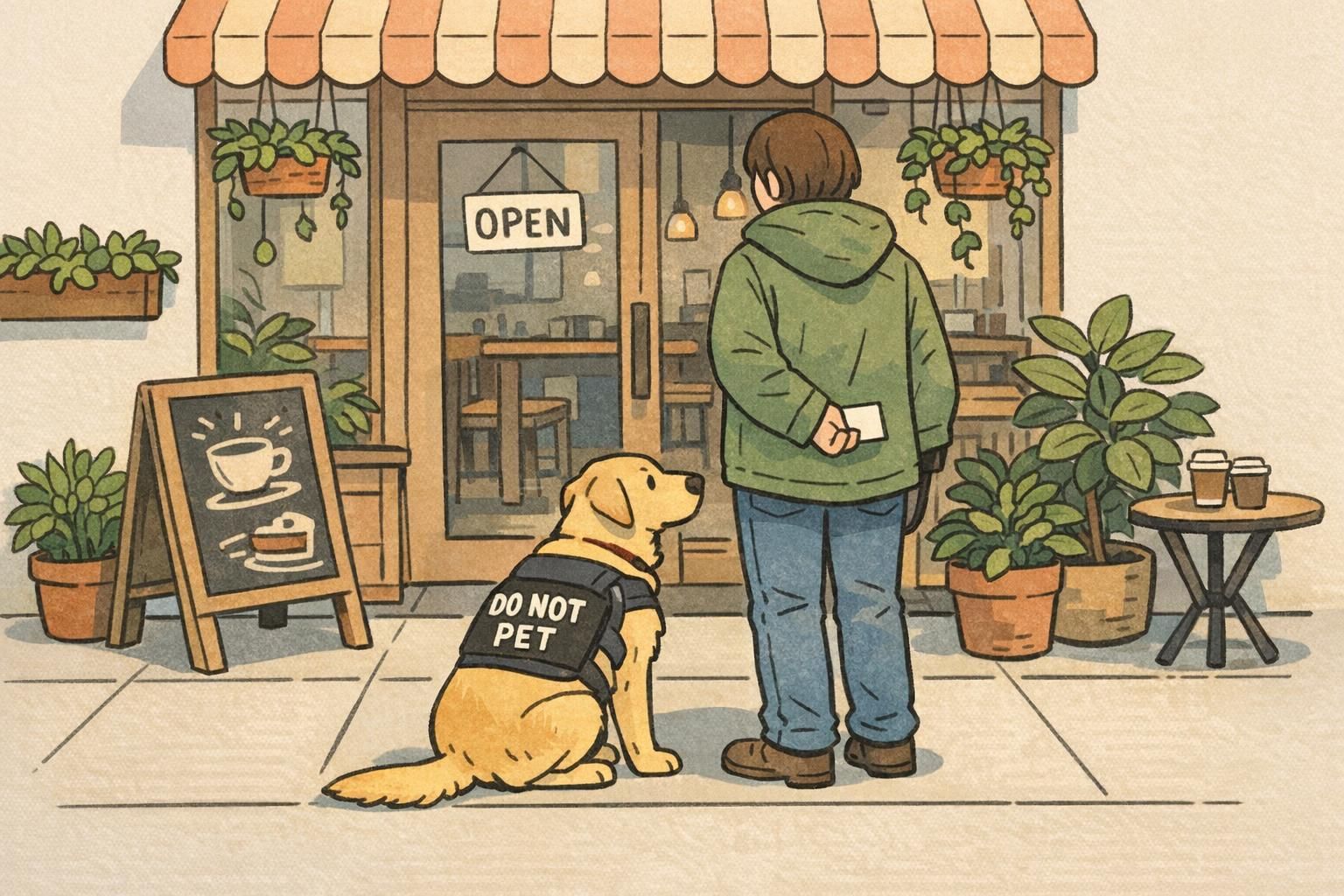
Hotels and short-term stays: quick, low-stress check-in conversations
Crowded venues: fewer repeated questions when you’re navigating lines and entrances
Everyday errands: a fast way to clarify your working team when needed
Housing conversations: consistent identification details across your materials
Unexpected situations: contact and emergency contact info can be genuinely useful
“ "My card isn’t something I lead with, but when I need it, it helps keep the conversation short and respectful." – Handler”
The most effective ID cards are simple, accurate, and easy to read. When a card tries to do too much, it can become confusing—or invite longer conversations than you wanted in the first place. Keep your focus on clarity and consistency.
DO use a clear, current photo that prints sharply
DO keep names large and easy to find
DO include contact info if it makes you feel more secure
DO choose a clean layout with high contrast and readable fonts
DO keep details accurate and update the card when information changes
DO consider a QR code or digital profile if you want more info without clutter
DO review location-specific rules and setting-specific policies when you travel or change housing, since requirements and processes can vary
DO NOT overcrowd the card with long text blocks or dense paragraphs
DO NOT use confusing wording that could lead to more questions
DO NOT include sensitive medical details unless you truly want them displayed
DO NOT rely on a hard-to-read photo or tiny font that undermines the card’s purpose
A polished ID card supports smoother interactions by making your information easy to understand—without asking you to overshare.
Your trusted source for service animal registration. Get professional ID cards, digital profiles, and smart NFC tags to keep your service animal safe and recognized.
© National Animal Registry — All rights reserved.